OKLCH vs OKLAB vs HSL: Modern Color Spaces for Better Gradients & Themes in 2026
May 25, 2026
If you are building gradients, themes, or design tokens in 2026, the practical choice is no longer just "HEX or HSL?" Modern CSS gives you OKLCH and OKLAB, two perceptual color spaces that solve many of the problems designers have worked around for years.
HSL is still useful. It is readable, familiar, and great for quick edits. But when you need smoother gradients, more even shade scales, and predictable lightness across different hues, OKLCH and OKLAB are usually better tools.
This guide compares OKLCH vs OKLAB vs HSL from a product design and frontend engineering perspective: what each space is good at, where each one breaks down, and which one to use for modern themes.
TL;DR: Use OKLCH for modern themes, design tokens, and perceptually even shade scales. Use OKLAB for smooth gradients, blending, and color math. Use HSL for quick CSS edits and simple hue-based exploration, but avoid relying on it for precise lightness, accessible palettes, or production-grade gradient interpolation.
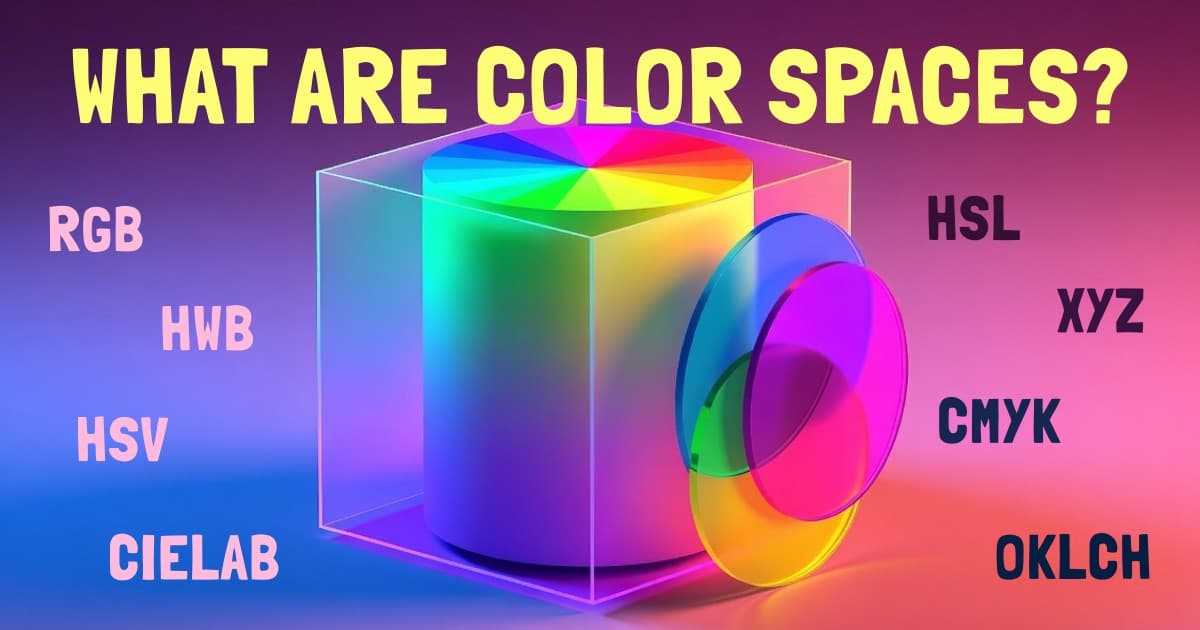
If you want the broader map first, read All Color Spaces Explained. If you want the HSL foundation, start with What is HSL?.
Why Modern Color Spaces Matter
The color space you choose changes the results you get.
In HSL, yellow and blue can both have 50% lightness, even though yellow looks much brighter to human eyes. If you build a theme by setting every "500" color to the same HSL lightness, the palette may look uneven. Some colors feel loud and glowing, while others feel heavy or dull.
That mismatch affects real interface work:
- Gradients can pass through muddy, gray, or overly vivid middle colors.
- Theme scales can look uneven even when the numbers are mathematically consistent.
- Dark mode tokens can shift in perceived contrast from hue to hue.
- Accessibility checks can surprise you because equal HSL lightness does not mean equal readability.
OKLAB and OKLCH were designed to be more perceptually uniform. That means equal numeric changes are closer to equal visual changes. They are not magic, and you still need actual contrast testing, but they give you a much better starting point for modern UI color systems.
For accessibility specifically, pair OKLCH's predictable lightness with real contrast checks. My WCAG and APCA color contrast guide explains the testing side.
HSL: Familiar, Readable, Not Perceptual
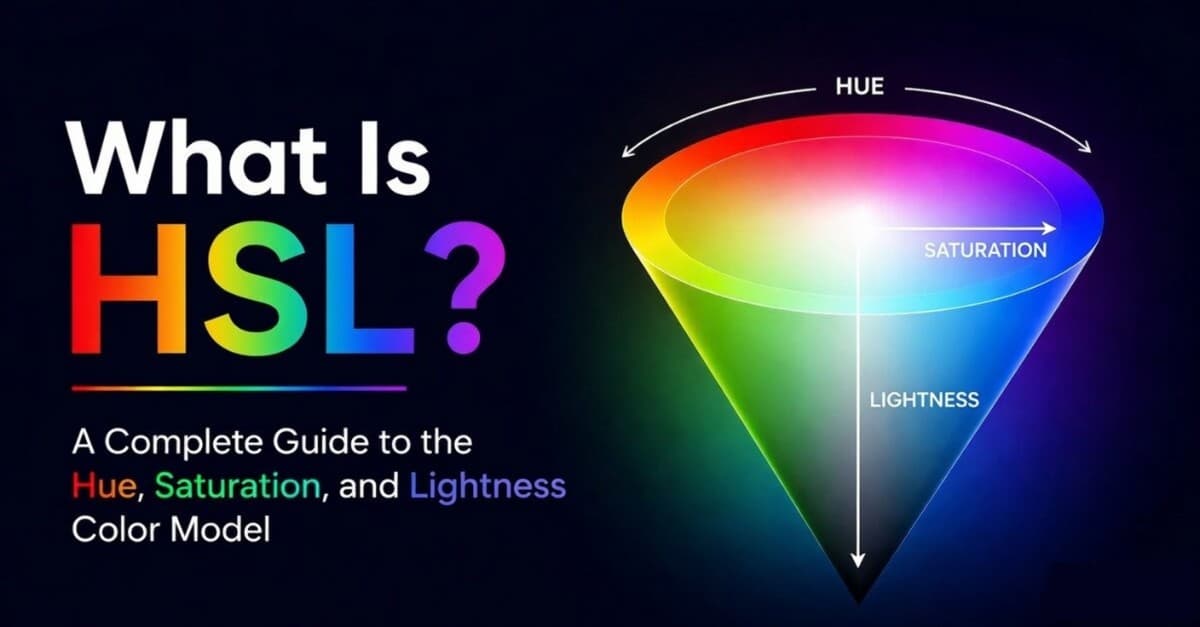
HSL stands for Hue, Saturation, and Lightness. It is a cylindrical way to describe sRGB colors.
HSL became popular because it matches the way designers talk:
- Hue chooses the color family.
- Saturation controls how vivid or muted the color feels.
- Lightness moves toward black or white.
That makes HSL excellent for quick theme experiments. You can rotate hue to create color schemes, move a palette warmer or cooler for color temperature, and adjust a token directly in DevTools without doing mental RGB math.
The problem is that HSL is still a transformation of RGB. It is not based on how people perceive color. Its "lightness" value is mathematical, not visual.
That is why hsl(60 100% 50%) looks much brighter than hsl(240 100% 50%) , even though both say 50% lightness. For simple styling, that is acceptable. For serious gradients, accessible themes, and balanced shade ramps, it becomes a limitation.
Use HSL when speed and readability matter more than perceptual precision.
OKLAB: The Better Space for Blending
OKLAB is a perceptual color space with three channels: L, a, and b.
The channels mean:
- L is perceived lightness.
- a moves roughly between green and red.
- b moves roughly between blue and yellow.
OKLAB is the rectangular, math-friendly version of the OK color model. It is especially good when software needs to interpolate between two colors.
That matters for gradients. In a typical RGB gradient, the browser blends red, green, and blue channels directly. The midpoint can become dull or unexpected because RGB is describing screen hardware, not perception. HSL can preserve a hue angle, but it can also swing through surprising hues depending on interpolation choices.
OKLAB blends in a space where distance is closer to visual distance. The result often feels smoother and more natural.
Use OKLAB when the user will not edit the values by hand, but the system needs high-quality color math:
- Gradient interpolation
- Color mixing
- Palette averaging
- Finding perceptual distance between colors
- Image processing
For most design token authoring, OKLAB is less convenient than OKLCH because the a and b axes are not as intuitive as chroma and hue. But under the hood, it is one of the best spaces for blending.
OKLCH: The Better Space for Themes
OKLCH is the cylindrical version of OKLAB. It uses Lightness, Chroma, and Hue.
The channels are much easier to reason about:
- Lightness controls perceived brightness.
- Chroma controls color intensity.
- Hue controls the color angle.
That makes OKLCH feel like a modern replacement for many HSL workflows. It keeps the useful "hue, intensity, brightness" mental model, but the lightness channel is much closer to how humans see.
For theme work, that is a big deal. You can create a blue scale, purple scale, and green scale with similar lightness steps, and they are more likely to feel balanced. You can also reduce chroma in very light or very dark stops to avoid neon edges and muddy dark colors.
OKLCH also supports wide-gamut colors in modern CSS. That means it can describe colors beyond old sRGB/HEX limits, where supported by the display. If a color is outside the target gamut, browsers map it to the closest displayable result.
Use OKLCH when humans need to author, inspect, or adjust the color system.
OKLCH vs OKLAB vs HSL: Detailed Comparison
| HSL | OKLAB | OKLCH | |
|---|---|---|---|
| Coordinates | Hue, Saturation, Lightness | L, a, b | Lightness, Chroma, Hue |
| Based on perception? | No | Yes | Yes |
| Easy to edit by hand? | Yes | Usually no | Yes |
| Best gradient use | Simple hue-driven gradients | Smooth perceptual interpolation | Controlled hue/chroma interpolation |
| Best theme use | Small projects and quick tokens | Generated blends and algorithms | Full design systems and shade scales |
| CSS support | hsl() | oklab() | oklch() |
The short version: HSL is friendly, OKLAB is mathematical, OKLCH is both practical and perceptual.
Better Gradients: Why OKLAB and OKLCH Win
Gradients reveal color-space problems quickly.
When a gradient is interpolated in RGB, the midpoint is just the average of red, green, and blue channels. That often creates a dull center. A red-to-blue RGB gradient, for example, can pass through a muddy purple that feels less vivid than either end.
HSL gives you hue-aware controls, but it has its own issues. Depending on the hue path, the gradient may swing through colors you did not intend. It can also keep lightness mathematically constant while perceived brightness changes.
OKLAB and OKLCH are better options:
- Use OKLAB when you want the cleanest perceptual blend between endpoints.
- Use OKLCH when you want control over hue direction and chroma along the path.
Modern CSS lets you choose interpolation spaces directly:
.hero {
	background: linear-gradient(
		90deg in oklab,
		oklch(0.68 0.22 330),
		oklch(0.72 0.18 230)
	);
}
You can also interpolate in OKLCH:
.accent {
	background: linear-gradient(
		90deg in oklch,
		oklch(0.72 0.22 25),
		oklch(0.72 0.2 310)
	);
}
The first example asks for a perceptual blend. The second keeps the OKLCH model visible, which is useful when hue and chroma are part of the design decision.
Better Themes: Why OKLCH Beats HSL Shade Scales
A theme scale needs more than nice individual colors. It needs consistent steps.
In a design system, blue-500, green-500, and yellow-500 should often feel like they occupy a similar visual weight. With HSL, setting them all to 50% lightness will not produce that result. Yellow will look much brighter than blue. Green may feel brighter than purple. Red may need different treatment again.
OKLCH gives you a stronger foundation because lightness is closer to perceived brightness. A scale like this is easier to balance:
:root {
	--accent-50: oklch(0.97 0.03 250);
	--accent-100: oklch(0.93 0.06 250);
	--accent-300: oklch(0.8 0.12 250);
	--accent-500: oklch(0.65 0.19 250);
	--accent-700: oklch(0.48 0.16 250);
	--accent-900: oklch(0.28 0.1 250);
}
Notice that chroma is not constant. In real UI palettes, very light and very dark colors usually need lower chroma to feel refined and stay in gamut.
This is where OKLCH shines: you can treat lightness, chroma, and hue as separate design decisions. HSL has the same surface-level shape, but OKLCH gives you a more reliable visual result.
CSS Examples for 2026
Use HSL for quick editable tokens:
:root {
	--brand-hue: 260;
	--brand-500: hsl(var(--brand-hue) 85% 58%);
	--brand-700: hsl(var(--brand-hue) 85% 40%);
}
Use OKLCH for modern theme tokens:
:root {
	--brand-hue: 260;
	--brand-50: oklch(0.97 0.03 var(--brand-hue));
	--brand-500: oklch(0.64 0.19 var(--brand-hue));
	--brand-900: oklch(0.27 0.1 var(--brand-hue));
}
Use OKLAB for interpolation:
.button {
	background: color-mix(in oklab, oklch(0.64 0.19 260), white 12%);
}
If your design system still needs HEX output for compatibility, you can author in OKLCH and export final sRGB values. The important part is that your source of truth is perceptual.
When to Use Each Color Space
Use HSL when you are...
- Editing CSS by hand.
- Teaching hue, saturation, and lightness.
- Creating quick color harmonies.
- Building a small project where approximate color steps are fine.
Use OKLAB when you are...
- Blending two colors.
- Creating high-quality gradients.
- Calculating perceptual distance.
- Writing color algorithms where human-friendly coordinates are less important.
Use OKLCH when you are...
- Building design tokens.
- Creating shade scales.
- Designing light and dark themes.
- Working with wide-gamut CSS color.
- Trying to make palette steps feel visually even.
The best workflow is often a combination: choose and name tokens in OKLCH, mix or interpolate in OKLAB, and output fallback RGB/HEX values when needed.
Recap: Which One Should You Use?
Here is the practical overview after seeing how each model behaves:
| Color Space | Best For | Main Weakness |
|---|---|---|
| OKLCH | Design systems, shade scales, themes, CSS tokens | High chroma values can leave the displayable gamut |
| OKLAB | Gradients, blending, color distance, image math | a and b axes are harder to edit by hand |
| HSL | Simple CSS, hue rotation, quick color exploration | Lightness does not match perceived brightness |
If you remember one thing: HSL is friendly, OKLAB is mathematical, and OKLCH is the best default for modern theme authoring.
Frequently Asked Questions
Is OKLCH better than HSL?
For modern themes and gradients, usually yes. OKLCH has a more reliable lightness channel, so shade scales tend to look more balanced. HSL is still useful for quick CSS edits and simple hue-based thinking.
What is the difference between OKLCH and OKLAB?
OKLAB and OKLCH describe the same underlying color space. OKLAB uses rectangular L, a, and b coordinates. OKLCH converts those into Lightness, Chroma, and Hue, which are easier for palette and theme design.
Should gradients use OKLAB or OKLCH?
Use OKLAB when you want a smooth perceptual blend between endpoints. Use OKLCH when you want more intentional control over hue and chroma during the transition.
Can I use OKLCH in production CSS in 2026?
Yes. OKLCH is supported in modern browsers and is practical for current design systems. If you need older browser support, provide fallbacks or compile your tokens to sRGB.
Does OKLCH guarantee accessible contrast?
No. OKLCH makes perceived lightness easier to reason about, but accessibility still depends on the actual foreground and background pair. Check final colors with WCAG or APCA.
Wrapping Up
HSL made CSS color easier to read. OKLAB and OKLCH make modern color systems easier to trust.
If you are choosing a color space for 2026:
- Pick HSL for quick readable CSS.
- Pick OKLAB for blending and gradients.
- Pick OKLCH for palettes, themes, and design tokens.
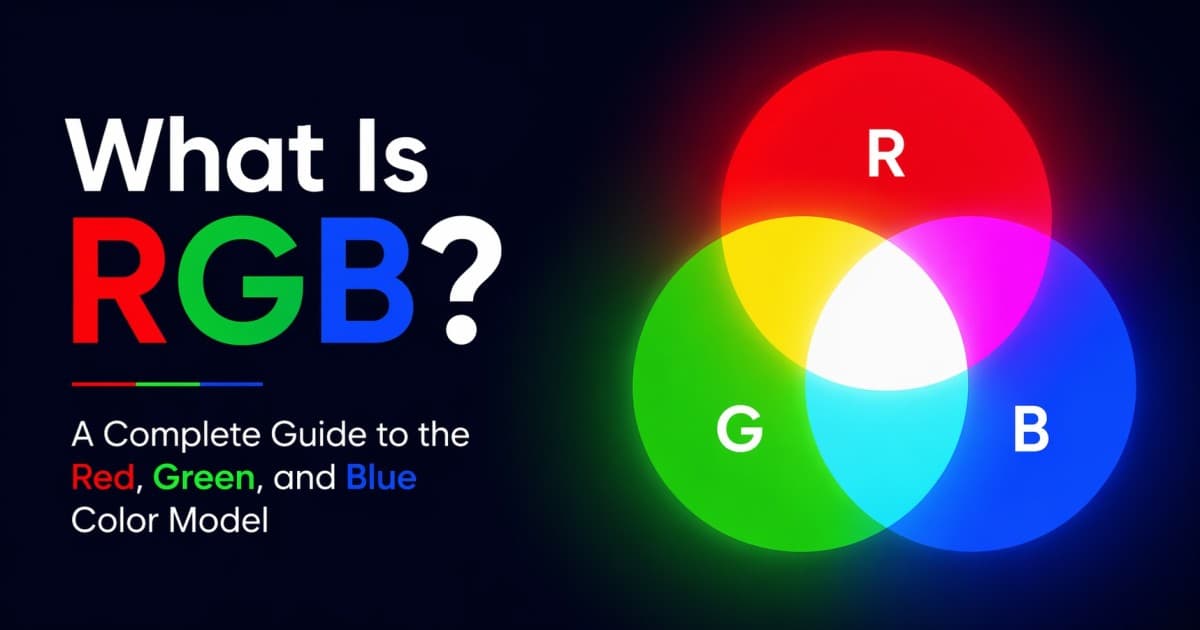
For a wider reference, read All Color Spaces Explained. For the foundation underneath HSL and HEX, read What Is RGB?. For practical palette structure, read What Is a Color Scheme?.
Viral products havethree colors
Huebert generates high-contrast color schemes of background, foreground, and primary for beautiful and accessible UIs.
Generate your scheme