What is HSV? A Complete Guide to Hue, Saturation, and Value
May 21, 2026
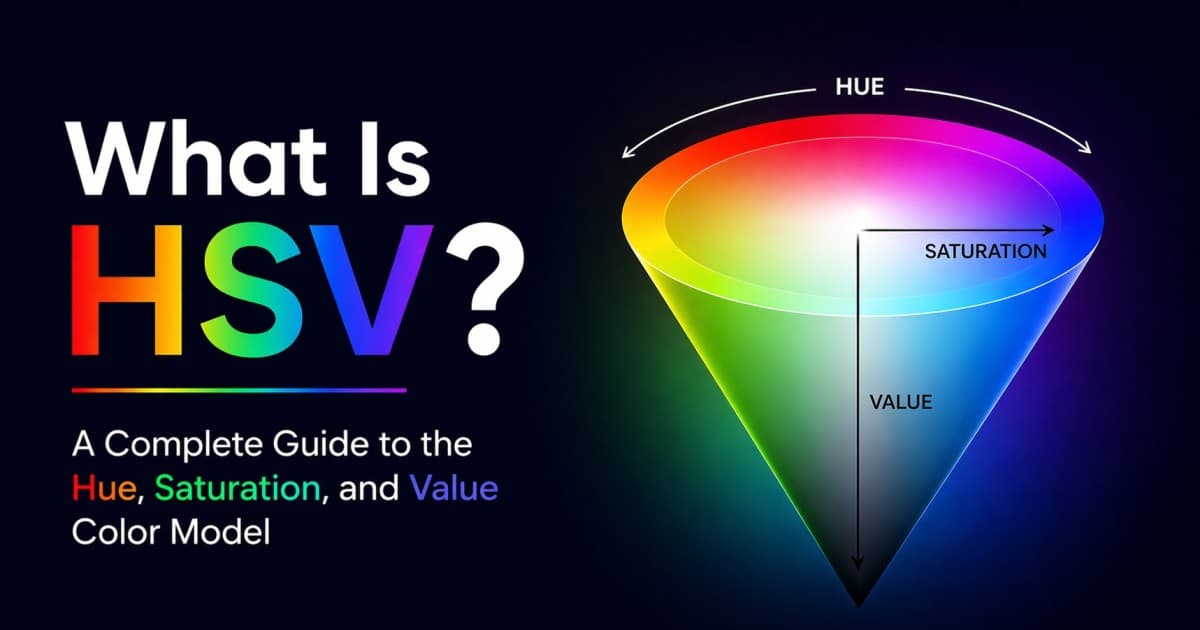
HSV stands for Hue, Saturation, and Value. It is a color model that describes colors the way many visual color pickers work: choose a hue, decide how intense it should be, then control how bright it is.
You may also see HSV called HSB, which stands for Hue, Saturation, and Brightness. In most design tools, HSV and HSB mean the same thing. They are both cylindrical ways to describe the same screen colors you can also write as RGB or HEX.
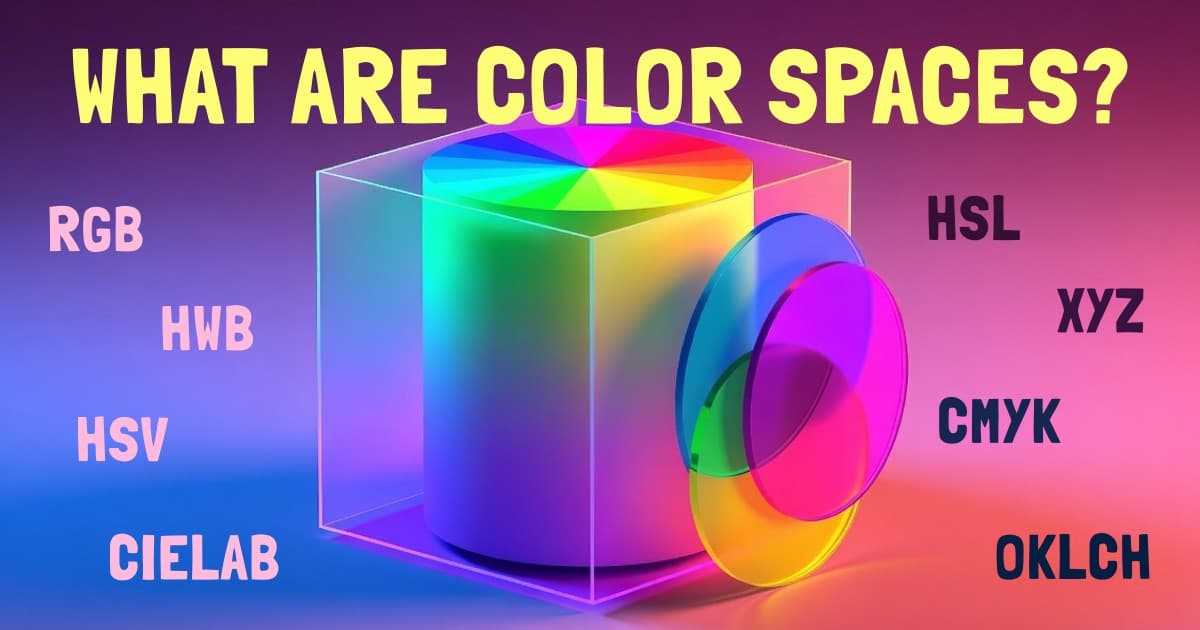
HSV is especially useful for color pickers, illustration tools, image editing, and fast palette exploration. It is not a native CSS color function like HSL, but it is one of the most important color models to understand because it sits behind the square color picker you see in tools like Figma, Photoshop, and Huebert. For the bigger picture, read all color spaces explained.
What Is HSV?
HSV is a cylindrical representation of RGB color. It describes a color with three coordinates:
- Hue: the base color, measured as an angle around a color wheel from 0 to 360.
- Saturation: the amount of color intensity, from gray at 0% to fully vivid at 100%.
- Value: the brightness of the strongest RGB channel, from black at 0% to the brightest version of the color at 100%.
A typical HSV value looks like this:
hsv(340 69% 91%)That example means: choose a reddish-pink hue near 340deg, keep it colorful but not fully saturated, and set value high enough for a bright result.
HSV does not create colors outside RGB. It reorganizes the RGB cube into a shape that is easier to control visually. Every HSV color can be converted back to RGB, HEX, HSL, or another web color format.
Hue: The Color Wheel Angle
Hue is the color family. In HSV, hue uses the same angle-based color wheel you see in HSL:
- 0deg or 360deg: red
- 60deg: yellow
- 120deg: green
- 180deg: cyan
- 240deg: blue
- 300deg: magenta
Because hue is an angle, HSV is useful when you want to rotate colors around the wheel. Complementary colors are roughly 180deg apart, analogous colors sit nearby, and triadic colors are about 120deg apart. My guide to color schemes explains those relationships in practical palette terms.
Hue is the most stable part of HSV. Saturation and value change how the hue appears, but the hue angle is still the main handle for choosing the underlying color family.
Saturation: How Colorful the Color Is
Saturation controls how much color is present. At 100%, the selected hue is fully vivid. At 0%, the hue disappears and the result is gray, white, or black depending on value.
For the same hue and value:
| HSV | Result | What changes |
|---|---|---|
| hsv(210 0% 90%) | Light gray | No visible hue |
| hsv(210 40% 90%) | Soft blue | Muted and usable for UI |
| hsv(210 100% 90%) | Bright blue | Fully vivid |
In HSV, lowering saturation is similar to mixing white into the selected color while keeping the brightest channel fixed. This is why HSV feels natural in color picker squares: left-to-right usually controls saturation, moving from gray on the left to vivid color on the right.
Value: How Bright the Color Is
Value controls the brightness of the strongest RGB channel. At 0% value, every color is black . At 100% value, at least one RGB channel is at its maximum for the selected hue and saturation.
For the same hue and saturation:
| HSV | Result | What it means |
|---|---|---|
| hsv(340 69% 25%) | Dark rose | Low brightness |
| hsv(340 69% 60%) | Medium rose | Moderate brightness |
| hsv(340 69% 91%) | Bright rose | High brightness |
This is the main difference between HSV and HSL. In HSV, 100% value can still produce a pure, vivid color. In HSL, the pure hue is at 50% lightness, and 100% lightness is always white.
Interactive HSV Picker
Drag the Hue, Saturation, and Value sliders below. Notice how each control maps to a visual choice:
- Hue changes the color family.
- Saturation moves between gray and vivid color.
- Value moves between black and the brightest available version of the color.
Try setting Value to 100% and moving Saturation down. The color becomes paler without getting darker. Then set Saturation back to 100% and lower Value. The color becomes darker without moving toward white.
HSV vs HSL: Value vs Lightness
HSV and HSL are easy to confuse because both use hue and saturation. The third channel is where they split.
HSV Value runs from black at 0% to the brightest version of the selected hue at 100%.
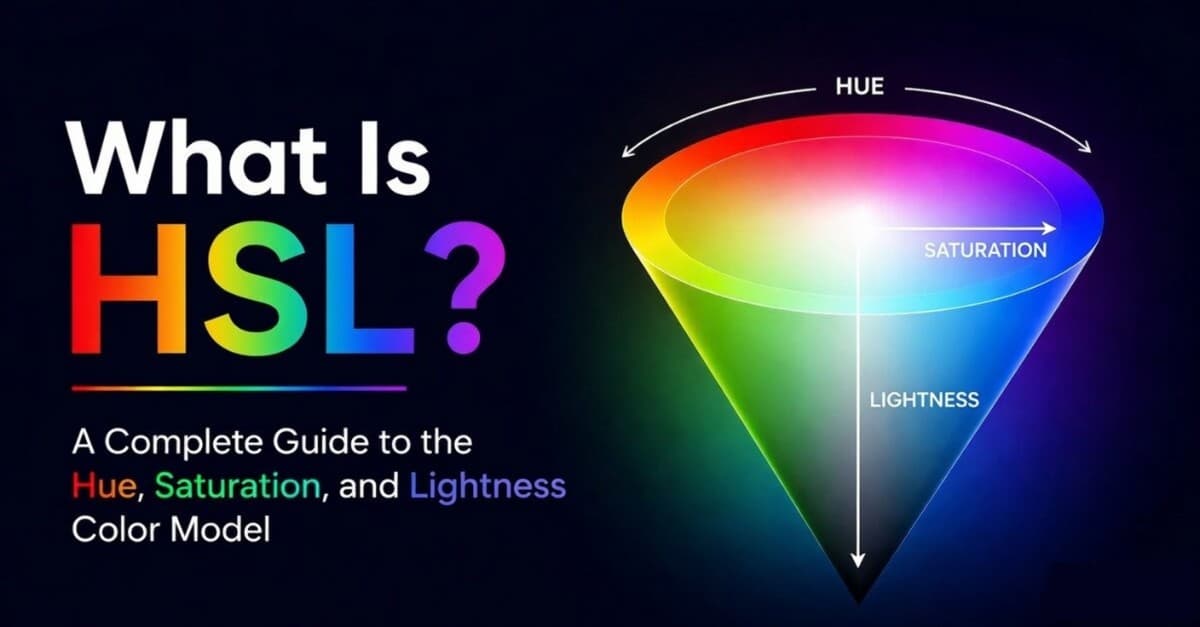
HSL Lightness runs from black at 0%, through the pure hue at 50%, to white at 100%.
| HSV / HSB | HSL | |
|---|---|---|
| Third channel | Value / Brightness | Lightness |
| Pure hue | 100% value, 100% saturation | 50% lightness, 100% saturation |
| White | 100% value, 0% saturation | 100% lightness |
| Best mental model | Color pickers, painting, quick visual selection | CSS theming, tints, shades, hue rotation |
Use HSV when you want a picker-like way to choose a color visually. Use HSL when you want a CSS-friendly way to adjust a color by hue, saturation, and lightness. The dedicated HSL guide goes deeper on that model.
HSV vs RGB
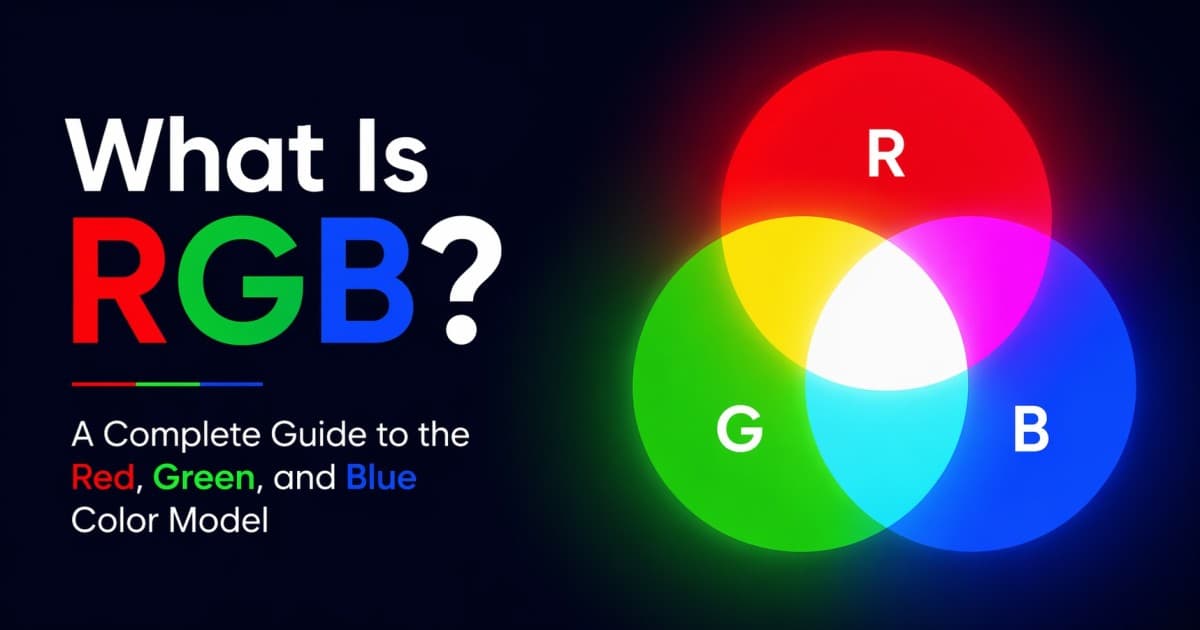
HSV and RGB can describe the same standard screen colors, but they answer different questions.
| HSV | RGB | |
|---|---|---|
| Coordinates | Hue, Saturation, Value | Red, Green, Blue |
| Mental model | Pick a color, make it vivid or muted, make it bright or dark | Mix emitted red, green, and blue light |
| Best for | Visual selection and color picker UIs | Exact screen output and CSS values |
| Example | hsv(340 69% 91%) | rgb(233 72 124) or #e9487c |
RGB is closer to how screens physically produce color. HSV is closer to how people choose color in a visual interface. If you are writing CSS, you usually convert HSV to HEX, RGB, HSL, or OKLCH before shipping it.
HSV in Design Tools and Color Pickers
The classic color picker is usually HSV in disguise:
- The hue slider chooses the color angle.
- The horizontal axis of the square often controls saturation.
- The vertical axis of the square often controls value.
That layout is popular because it makes color selection fast. Pick a hue first, then choose the exact shade, tint, or tone inside the saturation-value square.
HSV also maps well to many creative workflows:
- Digital painting: lower value to shade, lower saturation to soften.
- Photo editing: adjust a hue range without thinking in RGB channels.
- Brand exploration: keep the same hue while trying brighter, darker, muted, and vivid variants.
- Palette generation: quickly explore color families before refining the result in HSL or OKLCH.
Huebert's palette generator lets you explore colors across models, so you can start with an HSV-style visual choice and still compare the result in RGB, HSL, and OKLCH.
When to Use HSV
Use HSV when you are...
- Building or using a color picker. HSV gives a simple hue slider plus saturation-value plane.
- Choosing colors visually. It feels natural to pick a hue, then adjust vividness and brightness.
- Working in illustration or image tools. Value maps well to quick shading and brightness control.
- Exploring palette directions. HSV is fast for trying muted, vivid, light, and dark variations of one hue.
- Teaching color controls. Hue, saturation, and value are easier to explain than RGB channel mixing.
Reach for another space when you are...
- Writing CSS directly. CSS supports HSL, RGB, HEX, OKLCH, LAB, and HWB, but not
hsv(). - Building serious design tokens. OKLCH gives more predictable perceived lightness and chroma.
- Checking accessibility. HSV value is not a contrast measurement. Use real contrast checks instead.
- Preparing exact screen values. RGB and HEX are the direct output formats most tools and browsers expect.
- Creating perceptually smooth gradients. OKLAB and OKLCH usually interpolate better.
Limitations of HSV
HSV is intuitive, but it is not a perfect color system. The biggest limitations are:
- Value is not perceived brightness. Yellow and blue can have the same value while looking very different to human eyes.
- Saturation is uneven across hues. 100% saturation does not feel equally intense for every color family.
- It is still tied to RGB. HSV is a remapping of the RGB cube, not a separate perceptual color space.
- CSS does not support
hsv(). You need to convert HSV colors before using them in production CSS. - Accessibility is not guaranteed. High value does not mean readable contrast against a background.
The practical rule: HSV is excellent for picking and exploring. When exact perception, accessibility, or design-system consistency matters, verify the color in a better tool or switch to a perceptual space like OKLCH. My guide to WCAG and APCA color contrast explains why contrast has to be checked directly.
Frequently Asked Questions
What does HSV stand for?
HSV stands for Hue, Saturation, and Value. Hue is the color angle, saturation is the amount of color intensity, and value is the brightness of the strongest RGB channel.
Is HSV the same as HSB?
Yes. HSV and HSB usually refer to the same model. HSV means Hue, Saturation, Value. HSB means Hue, Saturation, Brightness.
What is HSV used for?
HSV is used for color pickers, design tools, painting apps, image editing, and quick color exploration. It is useful whenever you want to pick colors visually instead of mixing red, green, and blue channels directly.
What is the difference between HSV and HSL?
HSV uses Value, where 100% value gives the brightest version of the selected hue. HSL uses Lightness, where 50% lightness gives the pure hue and 100% lightness is always white.
Can I use HSV in CSS?
Not directly. CSS does not have a native hsv() function. Convert HSV to RGB, HEX, HSL, OKLCH, or another CSS-supported color format before using it in a stylesheet.
Is HSV better than RGB?
HSV is better for choosing and adjusting colors visually. RGB is better for representing exact screen output. Most tools use HSV for the picker interface and RGB or HEX for the final stored value.
Is HSV good for accessibility?
HSV can help you explore colors, but it does not predict readable contrast. Use a contrast checker based on WCAG, APCA, or another accessibility method before shipping text and UI colors.
Wrapping Up
HSV is one of the most useful color models to understand because it explains how many visual color pickers actually work. Hue chooses the color family, saturation controls how colorful it is, and value controls how bright it is.
The next step is to connect HSV to the rest of the color system:
- What Is HSL? explains the closely related CSS-friendly model.
- What Is RGB? explains the screen-color model HSV converts back to.
- All Color Spaces Explained shows where HSV fits alongside HSL, RGB, HWB, OKLCH, LAB, and CMYK.
- What Is a Color Scheme? turns hue choices into practical palettes.
Viral products havethree colors
Huebert generates high-contrast color schemes of background, foreground, and primary for beautiful and accessible UIs.
Generate your scheme