Color Temperature in Design: Warm vs Cool Colors + How to Use Them in Palettes & UI
May 22, 2026
Color temperature in design describes whether a color feels warm, cool, or neutral. Warm colors like red, orange, and yellow often feel energetic and attention-grabbing, while cool colors like blue, green, and violet tend to feel calm, trustworthy, and structured.
Color temperature is the reason a red-orange button can feel urgent, a blue dashboard can feel calm, and a balanced warm-cool color palette can make a product feel both expressive and trustworthy.
It connects directly to color psychology, branding, UI hierarchy, accessibility, and the practical work of building palettes that look good outside a color picker.
If you already know the basics of color schemes, this guide goes one level deeper: not just which hues go together, but what temperature does to the mood and usability of the whole design.
What Is Color Temperature in Design?
Color temperature is a way to describe how a hue feels emotionally and visually:
- Warm colors sit around red , orange , amber , and yellow .
- Cool colors sit around blue , cyan , teal , green , and violet .
- Neutral colors like white , gray , black , beige , and slate can lean warm or cool depending on their undertone.
Temperature is not a strict scientific measurement in everyday design. It is a practical design language. A hue can shift warmer or cooler as you adjust it around the color wheel, change its saturation, or place it next to another color.
For example, a green with more yellow in it feels warmer than a green with more blue in it . A gray with brown undertones feels warmer than a blue-gray . This is why temperature matters even when your palette looks "neutral" at first glance.
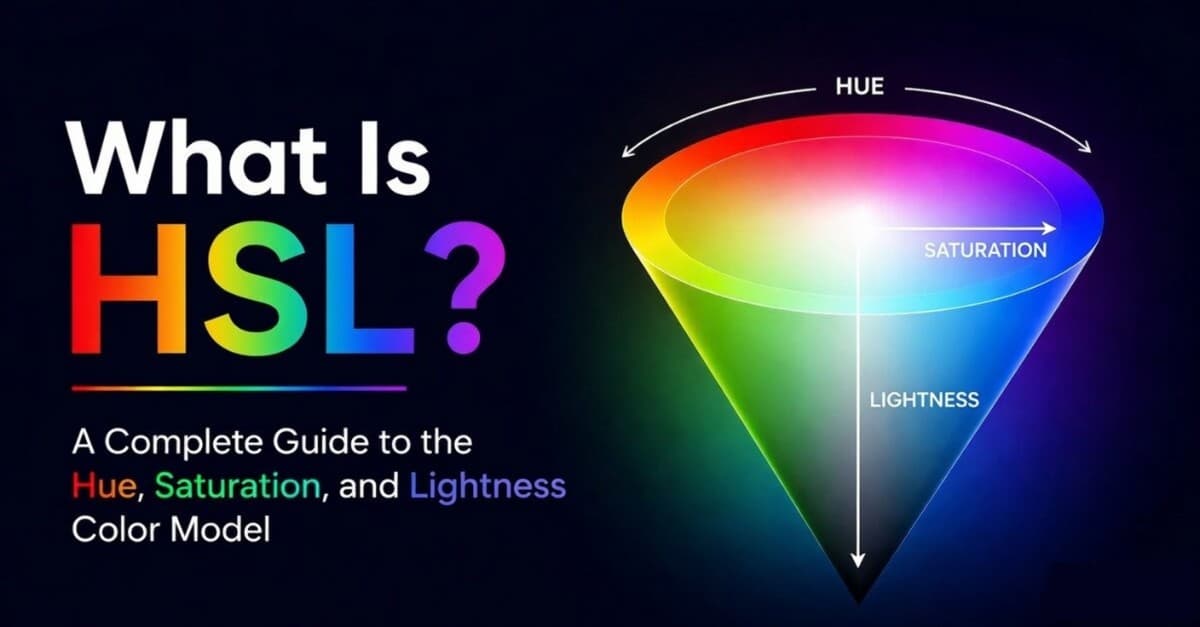
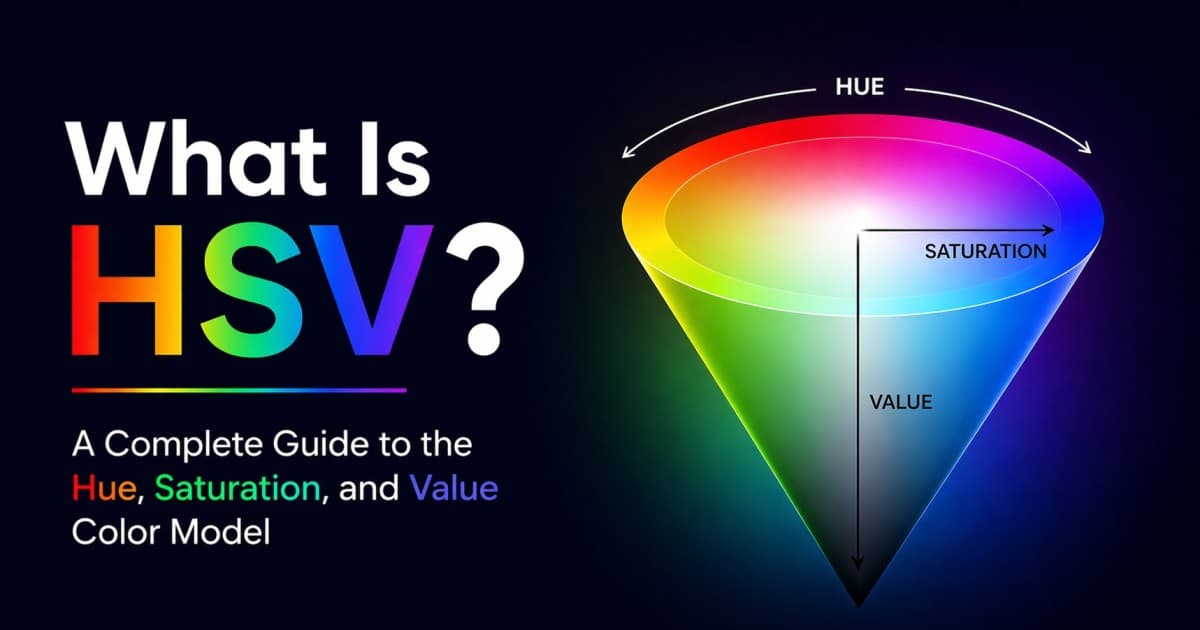
If you want the model behind those hue shifts, read what HSL is. HSL makes temperature easier to reason about because hue is expressed as an angle around the color wheel.
Warm Colors: Energy, Attention, and Appetite
Warm colors tend to feel active, close, human, and energetic. They often appear to move forward visually, which makes them useful for emphasis and calls to action.
Common warm colors include:
- Red: urgency, passion, danger, confidence, appetite.
- Orange: friendliness, motion, affordability, creativity.
- Yellow: optimism, visibility, caution, light.
- Warm pinks and corals: playfulness, warmth, approachability.
- Warm browns and creams: craft, comfort, earthiness, hospitality.
Warm palette
Coral, amber, peach, and espresso create energy without losing readability.
#be123c#fb7185#f97316#facc15#431407Warm palettes are great for food brands, consumer products, social apps, fitness, events, and campaigns where you want momentum. They can also make a sterile digital interface feel more human.
The risk is intensity. A fully warm palette with high saturation can feel loud, stressful, or cheap if every element competes for attention. In UI work, I usually let warm colors do one of three jobs: primary action, alert state, or emotional brand accent.
Cool Colors: Calm, Trust, and Structure
Cool colors tend to feel calm, spacious, stable, and technical. They often recede visually, which makes them useful for backgrounds, data-heavy products, and experiences where people need focus.
Common cool colors include:
- Blue: trust, clarity, security, competence.
- Cyan: freshness, technology, speed, lightness.
- Teal: balance, health, sophistication, calm energy.
- Green: growth, success, sustainability, money, safety.
- Violet: imagination, luxury, mystery, creativity.
Cool palette
Indigo, sky, teal, mint, and slate create a calmer product surface.
#312e81#2563eb#06b6d4#5eead4#0f172aCool palettes are common in SaaS, finance, healthcare, productivity tools, analytics, and developer products because they give the interface a stable base. A cool palette can carry a lot of content without feeling as visually hot as red or orange.
The risk is emotional distance. Too much cool color can feel cold, corporate, or generic. That is where a warm accent can help. A single orange CTA or coral highlight can make a cool interface feel more alive without turning the whole brand warm.
Color Psychology and Branding: Temperature Is a Signal, Not a Rule
Color psychology is useful, but it is easy to oversimplify. Red does not always mean anger. Blue does not always mean trust. Culture, industry, contrast, typography, copy, and context all change how a color lands.
Temperature is still one of the fastest signals your brand sends:
- A warm brand palette can feel energetic, personal, expressive, urgent, affordable, or appetizing.
- A cool brand palette can feel calm, premium, technical, reliable, private, or professional.
- A balanced warm-cool palette can feel trustworthy and memorable at the same time.
The important question is not "What does this color mean?" It is "What job should this color do in this product?"
For a banking app, cool blues and slates may support trust while a warm accent marks the one action the user should take next. For a restaurant brand, warm reds and oranges may support appetite while cool greens suggest freshness. For a wellness app, muted greens and blues may create calm while peach or amber keeps the experience from feeling clinical.
How to Build a Warm Cool Color Palette
A good warm cool color palette usually has a clear temperature hierarchy. One side should dominate. The other should create contrast, emphasis, or emotional balance.
Here is the process I use:
Start with the mood. Choose warm if the design should feel active, inviting, or bold. Choose cool if it should feel calm, trustworthy, or focused.
Pick a dominant temperature. This is the temperature most users should feel first. It usually appears in backgrounds, large surfaces, illustrations, or the primary brand color.
Add the opposite temperature as contrast. If your base is cool, use warm accents for CTAs, highlights, notifications, or campaign moments. If your base is warm, use cool accents to create breathing room and structure.
Use neutrals to control the intensity. White, gray, slate, cream, and near-black give warm and cool colors somewhere to sit. Without neutrals, a palette can feel like a poster instead of a usable interface.
Check the palette in context. Swatches are useful, but they do not reveal hierarchy. Put the colors on buttons, cards, forms, navigation, charts, and error states before deciding they work.
Balanced UI palette
A cool base, warm call to action, and neutral surfaces keep hierarchy clear.
#f8fafc#0f172a#2563eb#f97316#fed7aaIf you want a quick starting point, use Huebert's palette generator and regenerate from a warm or cool seed color until the temperature balance feels right. Then refine the result with a real UI screen in mind.
How to Use Warm and Cool Colors in UI Design
In UI design, color temperature should support hierarchy first and mood second. A beautiful palette that makes every button, alert, badge, and chart fight for attention will not feel good to use.
Use warm colors for:
- Primary calls to action that need attention.
- Promotions, upgrades, launches, and time-sensitive moments.
- Warning or destructive states, when paired with clear labels.
- Small accents that make a cool interface feel less flat.
Use cool colors for:
- App frames, dashboards, navigation, and persistent surfaces.
- Informational states, charts, filters, and calm feedback.
- Products where trust, privacy, analysis, or focus matters.
- Secondary actions that should be visible but not loud.
The strongest UI palettes often use a simple split: cool foundation, warm action. That gives users a calm place to read and think, then a clear place to act.
Temperature also affects depth. Warm colors can feel closer, so they are useful for foreground elements. Cool colors can feel farther away, so they work well in backgrounds. This is not a replacement for spacing, typography, or contrast, but it can reinforce them.
Accessibility: Temperature Does Not Equal Contrast
Warm versus cool is about perception and mood. Accessibility is about whether people can actually perceive and use the interface.
A warm red button on a dark background might pass contrast. A cool blue link on gray might fail. A yellow warning badge can look bright but still have weak contrast with white text. You need to test actual foreground and background pairs.
Three practical rules help:
- Check contrast for text and icons. Use WCAG as a baseline and APCA when you want a more modern readability signal.
- Do not rely on temperature alone. Error states need text, icons, or shape changes, not just "warm color means bad."
- Test color vision deficiencies. Red-green distinctions can disappear for many users, so pair color with labels and layout cues.
I wrote a deeper guide to web accessibility, WCAG, and APCA color contrast if you want the practical details.
FAQ
What is color temperature in design?
Color temperature describes whether a color feels warm, cool, or neutral. Warm colors include red, orange, and yellow. Cool colors include blue, green, and violet. Neutrals can lean warm or cool based on undertone.
What is a warm cool color palette?
A warm cool color palette combines warm hues and cool hues in one system. The most usable versions have one dominant temperature and one supporting temperature for contrast.
Are green and purple warm or cool?
They can be either, depending on the hue. Yellow-green usually feels warmer than blue-green. Red-violet usually feels warmer than blue-violet.
Should UI buttons be warm colors?
Not always. Warm colors are useful for important actions because they attract attention, but the best button color is the one that fits the brand, stands out from the surrounding UI, and passes contrast checks.
Are warm colors bad for accessibility?
No. Warm colors can be fully accessible. The key is checking contrast, avoiding color-only meaning, and testing the palette in real UI states.
Wrapping Up
Color temperature gives you a practical way to shape the mood and hierarchy of a design. Warm colors create energy and attention. Cool colors create calm and structure. The best palettes often use both, with one temperature leading and the other adding contrast.
To keep going:
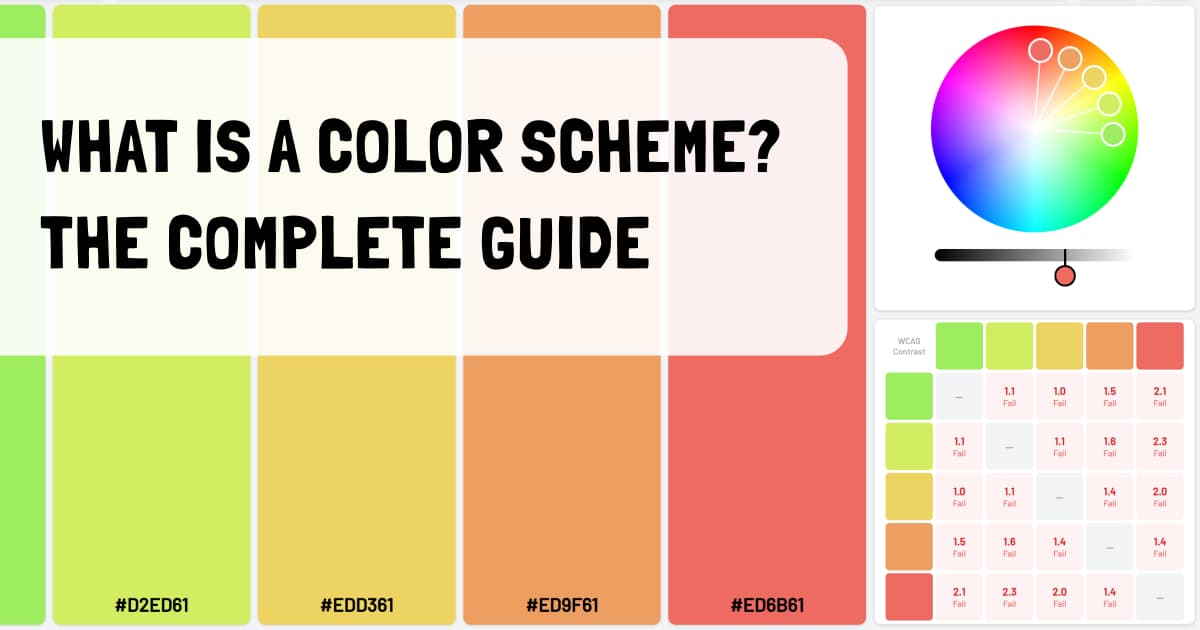
- What Is a Color Scheme? explains the harmony rules behind palettes.
- What Is HSL? makes warm and cool hue shifts easier to control.
- Web Accessibility & Color Contrast helps you check whether your palette is readable.
- All Color Spaces Explained shows which color models are best for different design tasks.
Viral products havethree colors
Huebert generates high-contrast color schemes of background, foreground, and primary for beautiful and accessible UIs.
Generate your scheme