What Is a Color Scheme? The Complete Guide
March 30, 2026
A color scheme (also called a color harmony) is a deliberate selection of colors used together in a design. It's the foundation of every visual project — from websites and logos to interior spaces and fashion — and it determines whether a design feels harmonious, energetic, calming, or chaotic.
If you've ever looked at a brand and thought "the colors just work," you're responding to a well-chosen color scheme. And the good news? You don't need a design degree to build one. You just need to understand the principles behind it.
I've spent a lot of time obsessing over color — it's why I built Huebert in the first place. In this guide, I'll break down what color schemes are, walk through every major type, and show you how to create your own.
Color Scheme vs. Color Palette: What's the Difference?
These two terms get used interchangeably, but they're not quite the same thing.
A color scheme (or color harmony) is the underlying rule or relationship between your chosen colors — for example, "complementary" means picking two colors that sit opposite each other on the color wheel.
A color palette is the specific set of colors you end up with after applying that rule. Think of the scheme as the recipe and the palette as the finished dish.
For example, "analogous" is a color scheme. The specific combination of teal , sky blue , and mint you generate from it is your palette.
Understanding the scheme helps you build palettes that actually work. Let me walk you through each one.
Why Color Schemes Matter
Color isn't decoration — it's communication. Here's why I think getting your color scheme right is worth the effort:
Branding and recognition. Consistent color usage increases brand recognition by up to 80%. Think of Coca-Cola's red or Tiffany's blue . Those aren't accidents — they're strategic decisions.
User experience. In UI/UX design, color schemes guide users through interfaces. They signal what's clickable, what's important, and what's background. A poor scheme creates confusion; a good one creates flow.
Emotion and mood. Warm schemes and cool schemes send different emotional signals. Warm schemes feel energetic and urgent. Cool schemes feel calm and trustworthy. Interior designers, marketers, and filmmakers all leverage this.
Accessibility. Roughly 1 in 12 men and 1 in 200 women experience some form of color vision deficiency. Choosing schemes with sufficient contrast makes your work usable for everyone.
The 7 Main Types of Color Harmonies
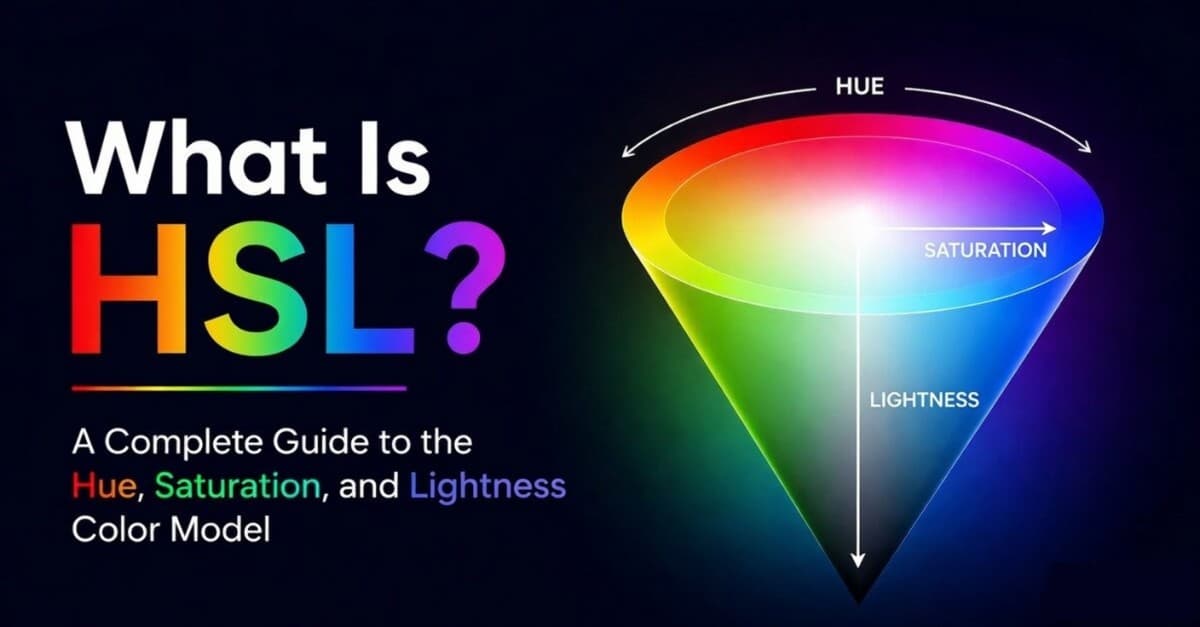
Every color harmony is built from relationships on the color wheel — a circular arrangement of hues showing how colors relate to each other. If the idea of hue angles is new, my guide to HSL explains why designers describe color this way. Here are the seven core types, from simplest to most complex.
1. Monochromatic
What it is: One single hue, varied through different tints (adding white ), shades (adding black ), and tones (adding gray ).
Why it works: Monochromatic schemes are inherently harmonious because every color shares the same base hue. Zero risk of clashing. They create a clean, cohesive look with a sense of depth.
Where you see it: Minimalist websites, editorial photography, luxury branding. Apple's product pages lean heavily monochromatic.
Best for: When you want elegance without visual noise. Great for text-heavy layouts and designs where content should take center stage.
Tips:
- Use at least 3–4 variations to prevent the palette from feeling flat.
- Add a single contrasting accent for calls-to-action if you're designing an interface.
- Pay attention to contrast ratios between your lightest and darkest values.
2. Analogous
What it is: Three to five colors that sit next to each other on the color wheel.
Why it works: Because the colors share undertones, analogous harmonies feel naturally pleasing. They mimic the way colors appear in nature — think of a sunset or a forest canopy.
Where you see it: Wellness brands, cozy interior spaces, landscape-inspired design. Instagram's gradient logo is essentially an analogous scheme.
Best for: Creating a calm, unified mood. Ideal for designs where you want visual richness without high contrast.
Tips:
- Pick one dominant color, one supporting color, and one accent.
- Avoid giving all colors equal weight — that creates visual monotony.
- Add a neutral to ground the palette.
3. Complementary
What it is: Two colors that sit directly opposite each other on the color wheel.
Why it works: Opposites create maximum contrast and visual energy. Each color makes the other appear more vivid — a phenomenon called simultaneous contrast.
Where you see it: Sports branding, fast food logos, movie posters (the teal-and-orange blockbuster look is everywhere).
Best for: When you need something to pop. Perfect for CTAs, advertisements, and bold brand identities.
Tips:
- Don't use both colors at 50/50 — let one dominate (roughly 70/30).
- Use tinted or muted versions to dial down the intensity when needed.
- Some complementary pairs are problematic for color-blind users, so always check contrast.
4. Split-Complementary
What it is: Instead of picking the direct opposite of your base color, you use the two colors adjacent to the opposite.
Why it works: You get almost the same contrast as a complementary scheme, but with more nuance and less visual tension.
Where you see it: Illustration, editorial design, game interfaces — anywhere you want contrast without the raw intensity of a pure complementary pair.
Best for: Designers who find pure complementary schemes too aggressive. It's a safer, more versatile option — and honestly one of my personal favorites for web design.
Tips:
- The base color should still dominate. Use the two split colors as accents.
- This harmony gives you three colors naturally, which is often the sweet spot for web design (primary, secondary, accent).
5. Triadic
What it is: Three colors evenly spaced around the color wheel, forming an equilateral triangle.
Why it works: Triadic schemes feel balanced and vibrant. The even spacing creates visual equilibrium while still offering strong color variety.
Where you see it: Children's products, superhero branding, game design — anywhere playfulness and energy are welcome.
Best for: Designs that need to feel vibrant and diverse without losing cohesion. Works well for dashboards or infographics with multiple categories.
Tips:
- Let one color lead, use the second for support, and the third as a highlight.
- Muting the colors makes triadic schemes usable in more sophisticated contexts.
- Be cautious with full saturation — it can feel cartoonish if not balanced carefully.
6. Tetradic (Rectangular)
What it is: Four colors arranged as two complementary pairs, forming a rectangle on the color wheel.
Why it works: Tetradic schemes offer the richest color variety. With four distinct hues, you have a huge range of possibilities for visual hierarchy and categorization.
Where you see it: Complex dashboards, data visualization, editorial layouts, maximalist interior design.
Best for: Large-scale projects that need multiple distinct colors. I'd recommend this for apps with many states or complex infographics.
Tips:
- This is the hardest harmony to balance. You need a clear hierarchy: one dominant, one secondary, two accents.
- Pay attention to warm/cool balance. Two warm and two cool colors tend to work best.
- When in doubt, desaturate. Muted tetradic palettes are far easier to manage.
7. Square
What it is: Four colors evenly spaced around the color wheel, forming a square. Similar to tetradic, but with equal spacing.
Why it works: The even spacing creates a balanced, dynamic feel with strong contrast in every direction.
Where you see it: Colorful brand systems, data visualization with four categories, playful editorial design.
Best for: Projects that need four distinct, equally important color categories.
Tips:
- Even more than tetradic, square schemes require one clear dominant color.
- Works best when at least two of the four colors are muted or used as subtle accents.
How I Actually Build Color Schemes
Here's what I do in practice:
Start with one color you like. That's it. A brand color you already have, something from a screenshot that caught your eye, or just a hex code you've been staring at. If you want to nudge it warmer, cooler, lighter, or softer, HSL is usually the quickest way to think through those adjustments, and my color temperature guide explains how those warm and cool shifts affect the final mood.
Throw it into a generator. I open Huebert's palette generator, drop in my base color, and hit generate. I usually start with an analogous or complementary harmony and see what comes out. Most of the time I cycle through a few options before something clicks.
Tweak until it feels right. The generated palette is a starting point. I adjust saturation, swap out a color that feels off, or lock the ones I like and regenerate the rest. This back-and-forth is where the real palette emerges.
Test it on your design. A palette that looks great as swatches can completely fall apart on a real page. I drop the colors into buttons, backgrounds, text, and cards. If something doesn't work, I go back and adjust. I also check contrast ratios — aim for at least 4.5:1 for body text (WCAG).
Keep it small. Three to five colors is usually all you need. One dominant, one supporting, one accent. If I catch myself adding a sixth color, I take one away instead.
Common Mistakes (and How to Avoid Them)
Using too many colors. Most professional designs use 3–5 colors maximum. Constraint breeds creativity.
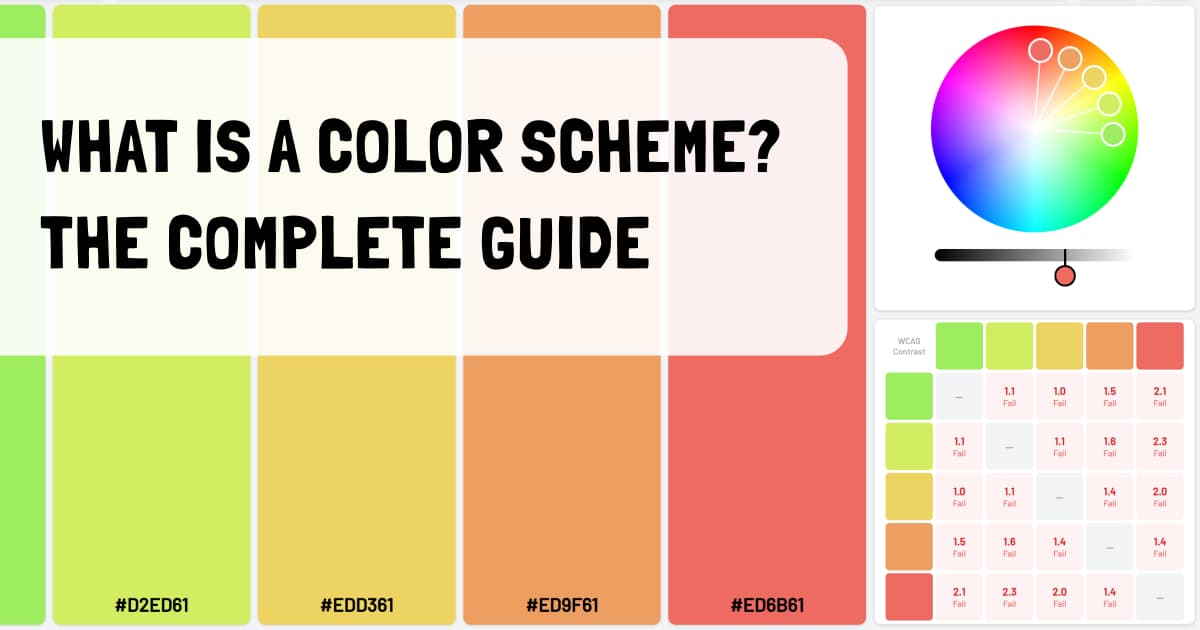
Ignoring contrast ratios. If your text doesn't pass WCAG standards, roughly 300 million people may struggle to read it. Huebert's palette generator includes a built-in contrast table so you can check every color combination instantly.
Equal weight for every color. The 60-30-10 rule is a reliable starting point: 60% dominant, 30% secondary, 10% accent.
Choosing colors in isolation. Colors behave differently depending on their neighbors. Always evaluate in context, not as isolated swatches.
Following trends blindly. Trends are useful inspiration, but your color scheme should serve your project first.
Wrapping Up
A color scheme — or color harmony, whichever term you prefer — is one of the most powerful tools in any designer's toolkit. Understanding the principles behind different harmonies transforms color selection from guesswork into strategy.
Start with your mood, choose a harmony type that matches your contrast needs, then generate and refine until the palette feels right. Test in context, check accessibility, and iterate.
Viral products havethree colors
Huebert generates high-contrast color schemes of background, foreground, and primary for beautiful and accessible UIs.
Generate your scheme