What Is RGB? A Complete Guide to the Red, Green, and Blue Color Model
April 25, 2026
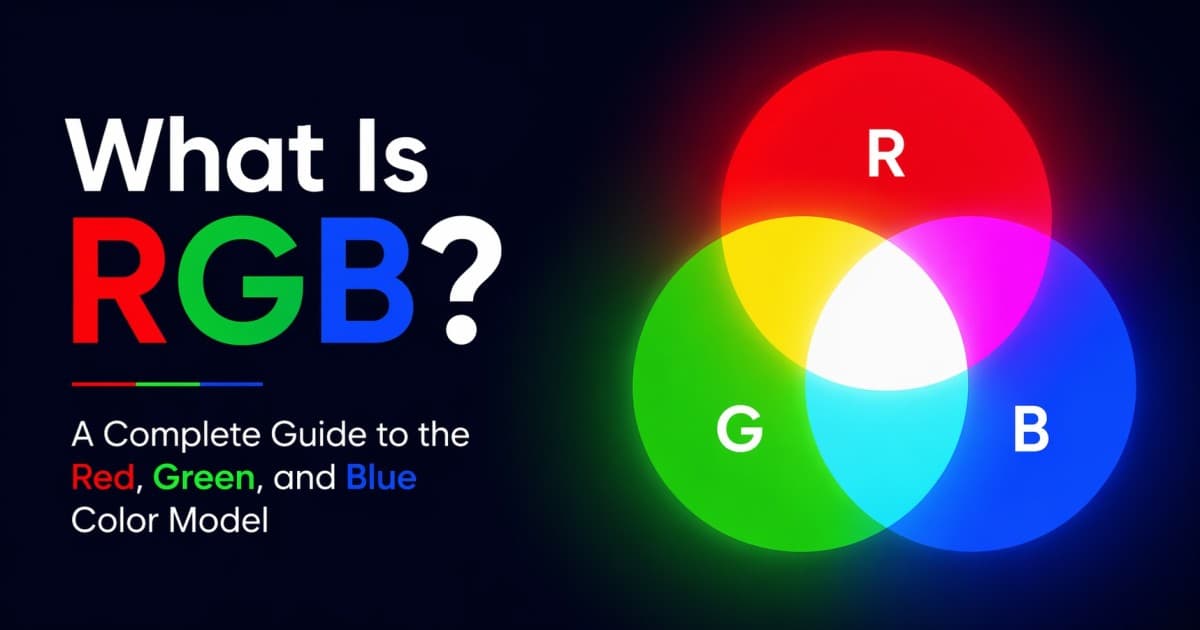
RGB stands for Red, Green, and Blue — the three primary colors of light that together can produce virtually every color you see on a screen. The RGB color model is the foundation of digital imagery: every pixel on your phone, monitor, and TV is built from a tiny red, green, and blue light source, and every color you pick in CSS, Photoshop, or Figma is, under the hood, three RGB numbers.
If you've ever typed a hex code, moved a slider in a color picker, or exported a web graphic, you've worked with RGB. This guide breaks it all down: what RGB is, how the math works, how it compares to HEX and CMYK, and when to reach for a different color space — with interactive tools you can play with as you read.
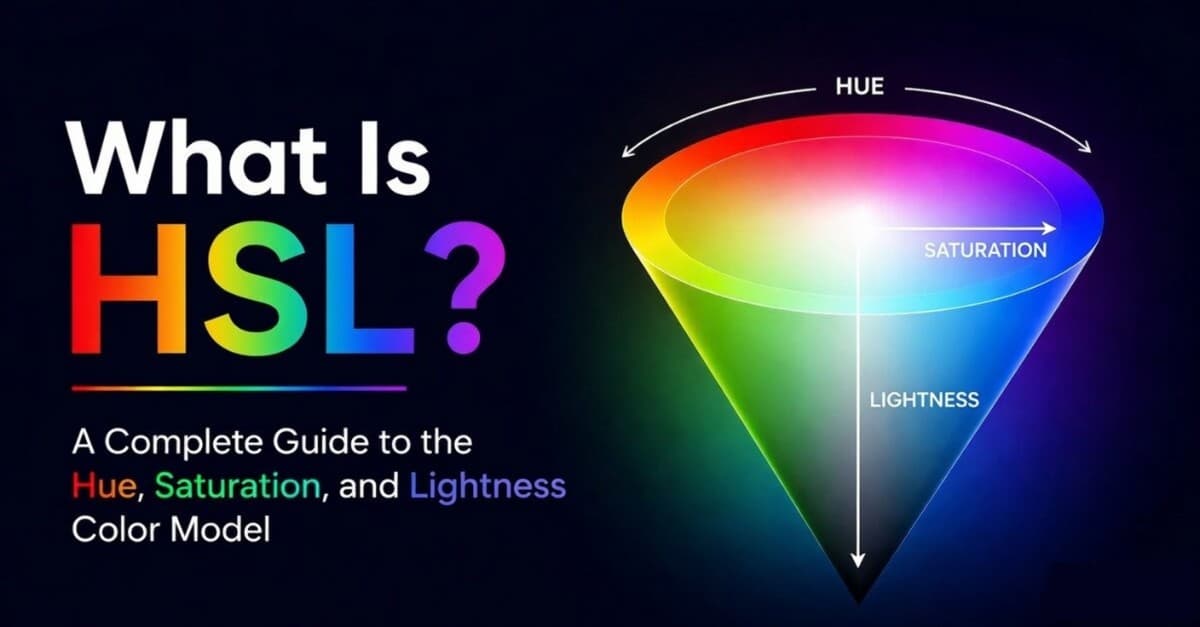
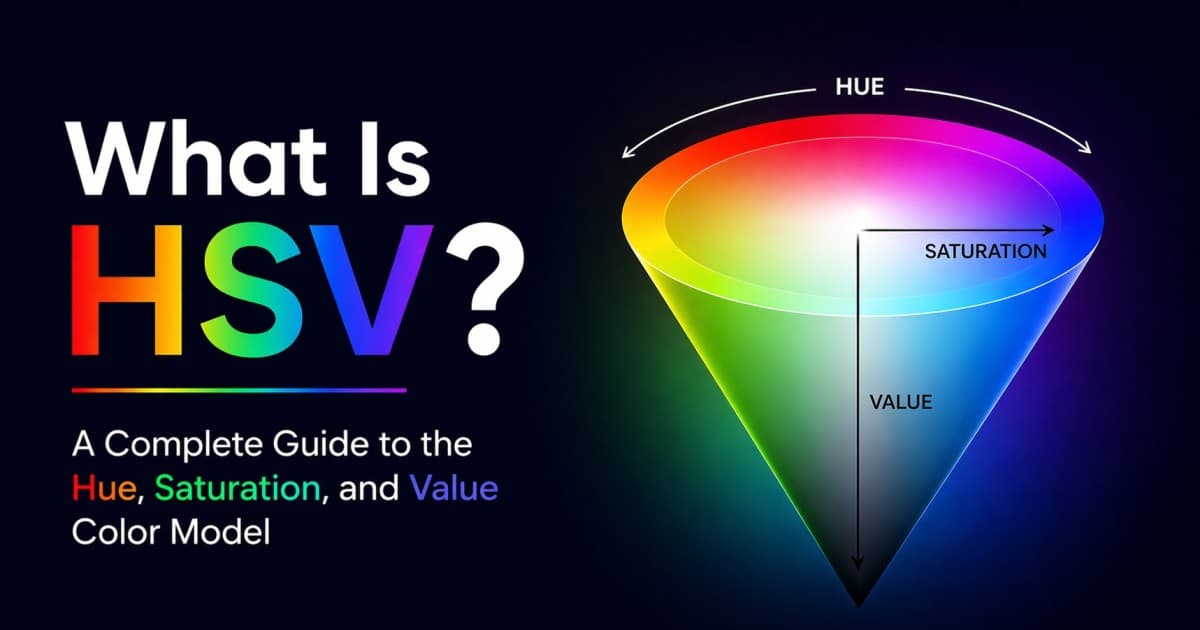
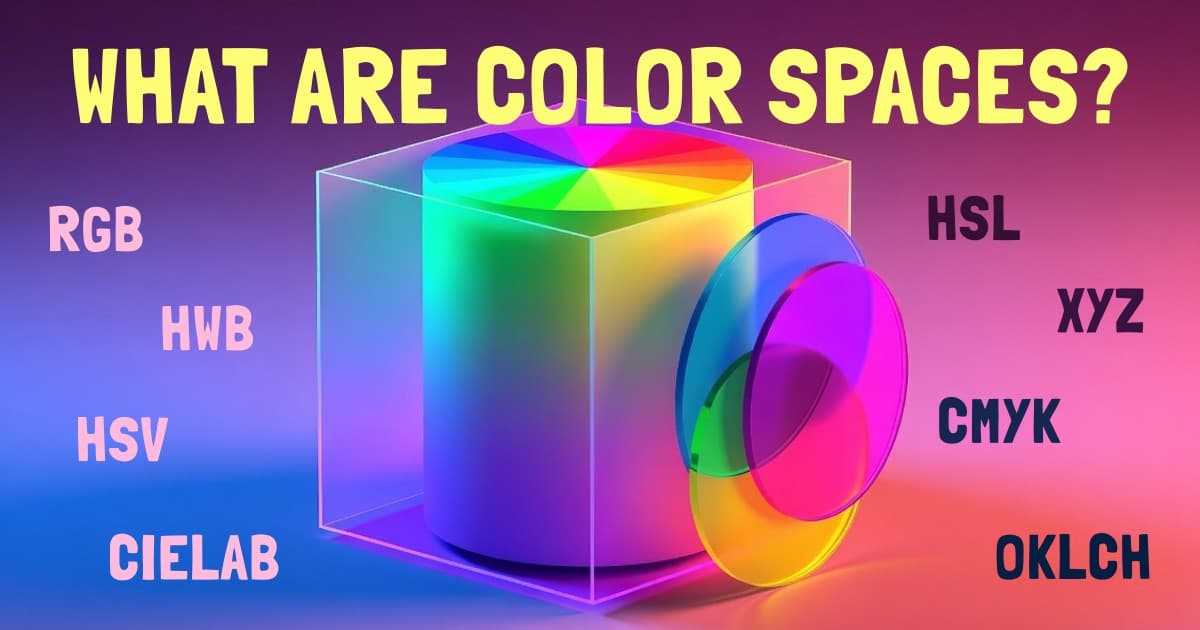
If you want to try real values as you read, Huebert's palette generator shows every color in RGB, HEX, HSL, and OKLCH side by side. For designer-friendly companions to RGB, read my guides to HSL, hue, saturation, and lightness and HSV, hue, saturation, and value. For a broader tour of color spaces after this post, see my guide to all color spaces explained.
What Is RGB?
RGB is an additive color model that defines colors as combinations of three channels of light: red , green , and blue . Each channel has an intensity value, and mixing those three intensities produces the final color.
A few quick facts that tend to show up first when people search for RGB:
- Full form: Red, Green, Blue.
- Type: Additive color model (adding light, not ink).
- Channel range: typically 0–255 per channel in standard 8-bit-per-channel (24-bit total) RGB.
- Total colors in 24-bit RGB: 256 × 256 × 256 = 16,777,216 (often rounded to "16.7 million" or "true color").
- Where it's used: screens, digital cameras, the web, CSS, most image formats (PNG, JPEG, WebP), digital video.
- Where it's not used natively: physical print (that's CMYK).
RGB was chosen because the human eye has three types of cone cells roughly tuned to red, green, and blue wavelengths. By stimulating those cones in different ratios, a display can trick your visual system into perceiving any color within the device's gamut — the range of colors it can produce.
How RGB Works: The Additive Color Model
RGB is additive — you start with black (no light) and add red, green, and blue light to build up to any other color.
- All three channels at maximum → white
- All three channels at zero → black
- Equal, non-zero values → a shade of gray
- Only red maxed out → pure red
- Red + green maxed out → yellow
- Red + blue maxed out → magenta
- Green + blue maxed out → cyan
This is why your monitor can produce yellow even though no yellow LED is involved — a red and a green sub-pixel placed next to each other are blended by your eye into yellow. The same trick powers every screen in your life.
Compare this to subtractive mixing, used by paint and ink, where you start with a white surface and remove light by adding pigment. The two models give different results for the same input concept of "mixing colors." In RGB, red + green = yellow (bright). On a paint palette, red + green = a muddy brown. Same mental operation, completely different math.
RGB Values & HEX Codes
Standard RGB uses three 8-bit integer channels, each from 0 to 255. That's what you see in CSS (rgb(233, 72, 124)), Photoshop, and every color picker on the planet.
Some toolchains use different ranges:
| Range | Where you'll see it | Example |
|---|---|---|
| 0–255 (integers) | CSS rgb(), Photoshop, Figma, HEX codes | rgb(233, 72, 124) |
| 0.0–1.0 (floats) | GLSL/WebGL shaders, CSS modern color() syntax, scientific code | vec3(0.913, 0.282, 0.486) |
| 0–100% (percentages) | Legacy CSS, some design tools | rgb(91.3%, 28.2%, 48.6%) |
| 0–65535 (16-bit) | High-bit-depth photography (e.g. Photoshop 16-bit mode), HDR workflows | rgb16(59881, 18504, 31868) |
Why 0–255?
8 bits per channel = 2⁸ = 256 distinct values per channel (0 through 255). Three channels at 8 bits = 24 bits per pixel, which is why standard RGB is often called 24-bit color or True Color. Adding a fourth alpha (transparency) channel gives you 32-bit RGBA.
Bits per channel and color depth
| Bits per channel | Values per channel | Total colors (RGB) | Common name |
|---|---|---|---|
| 5–6 bits | 32 or 64 | 65,536 (RGB565) | High color (legacy / embedded) |
| 8 bits | 256 | 16,777,216 | True Color / 24-bit RGB (standard) |
| 10 bits | 1,024 | ~1.07 billion | Deep Color / HDR10 |
| 16 bits | 65,536 | ~281 trillion | Photo / scientific pipelines |
HEX codes are just RGB in base 16
A HEX code like #E9487C is the exact same color as rgb(233, 72, 124) — each pair of hex digits encodes one channel (0–FF = 0–255). 3-digit shorthand (#F0C) doubles each digit, so #F0C equals #FF00CC.
Edit either side of the converter below and the other updates instantly.
Interactive RGB Mixer
Drag the Red, Green, and Blue sliders to feel how additive mixing actually behaves. Push all three to 255 — you get white. Pull them to 0 — you get black. Lock one channel and vary the other two to see color wheels emerge.
Notice that changing a channel by 20 doesn't always look like "20 units of change." RGB is not perceptually uniform — a numeric change of the same size produces very different visual changes in different parts of the spectrum. That's the single biggest reason designers reach for HSL or OKLCH when building color systems.
RGB vs. CMYK: Screens vs. Print
The shortest way to remember the difference: RGB is for things that emit light; CMYK is for things that reflect it.
| RGB | CMYK | |
|---|---|---|
| Mixing type | Additive (adding light) | Subtractive (adding ink) |
| Channels | Red, Green, Blue | Cyan, Magenta, Yellow, Key (black) |
| All channels max | White | Black-ish (muddy dark) |
| All channels zero | Black | White (paper) |
| Gamut | Wider (especially vivid greens, blues) | Narrower (limited by physical ink) |
| Use case | Web, apps, screens, photo, video | Commercial print, packaging |
This is why a neon green that pops on your monitor often looks muted when printed — the ink simply can't reflect the same wavelengths that a light-emitting pixel can produce.
sRGB, Adobe RGB, Display P3 & Other RGB Variants
"RGB" by itself is a model, not a color space. To turn (233, 72, 124) into an exact, reproducible color, you need to specify which reds, greens, and blues and what tone curve — and that's where RGB color spaces come in.
sRGB
sRGB (standard RGB) was defined by HP and Microsoft in 1996 and has been the default color space of the web, HTML, CSS, and consumer hardware ever since. When an image or color has no profile attached, browsers and most software assume sRGB. If someone says "RGB" without qualification, they almost always mean sRGB.
Adobe RGB (1998)
Adobe RGB has a wider gamut than sRGB, especially in greens and cyans. It's used in pro photography and pre-press workflows where colors will later be converted to CMYK and wider gamut capture preserves more detail. It's overkill for the web.
ProPhoto RGB
ProPhoto RGB (also called ROMM RGB) has an even wider gamut — so wide that about 13% of its coordinates are imaginary colors that don't exist in nature. Used by Lightroom and serious photo retouching pipelines because keeping the working space huge prevents clipping during edits.
Display P3
Display P3 is the wide-gamut space used by Apple devices (iPhone, iPad, modern Macs) and many high-end monitors. It covers roughly 25% more colors than sRGB, especially in reds and greens. CSS supports it with color(display-p3 ...).
Rec. 709 and Rec. 2020
Rec. 709 is the RGB space for HD video and roughly matches sRGB. Rec. 2020 is an ultra-wide space for 4K/8K HDR video — barely any physical display can cover it fully yet, but it's the future target.
Linear vs. gamma-encoded RGB
Most of the RGB values you work with (CSS, images, design tools) are gamma-encoded — the numbers are biased toward dark tones because human vision is more sensitive there, and 8 bits doesn't give enough precision for a linear encoding. Linear RGB (used internally by shaders and compositing engines) has a straight-line relationship between number and light intensity. If you've ever seen a photo editor "blend in linear RGB" option, this is what it means.
When to Use RGB (and When Not To)
Use RGB when you're…
- Writing CSS or HTML. RGB/HEX is the native currency of the web.
- Exporting assets for screens. PNG, JPEG, WebP, SVG — all default to sRGB.
- Working in a shader or pixel buffer. GPUs operate in linear RGB internally.
- Interfacing with APIs and libraries. Every mainstream graphics library speaks RGB.
- Storing or communicating an exact color. HEX is the most portable format in existence.
Pick a different space when you're…
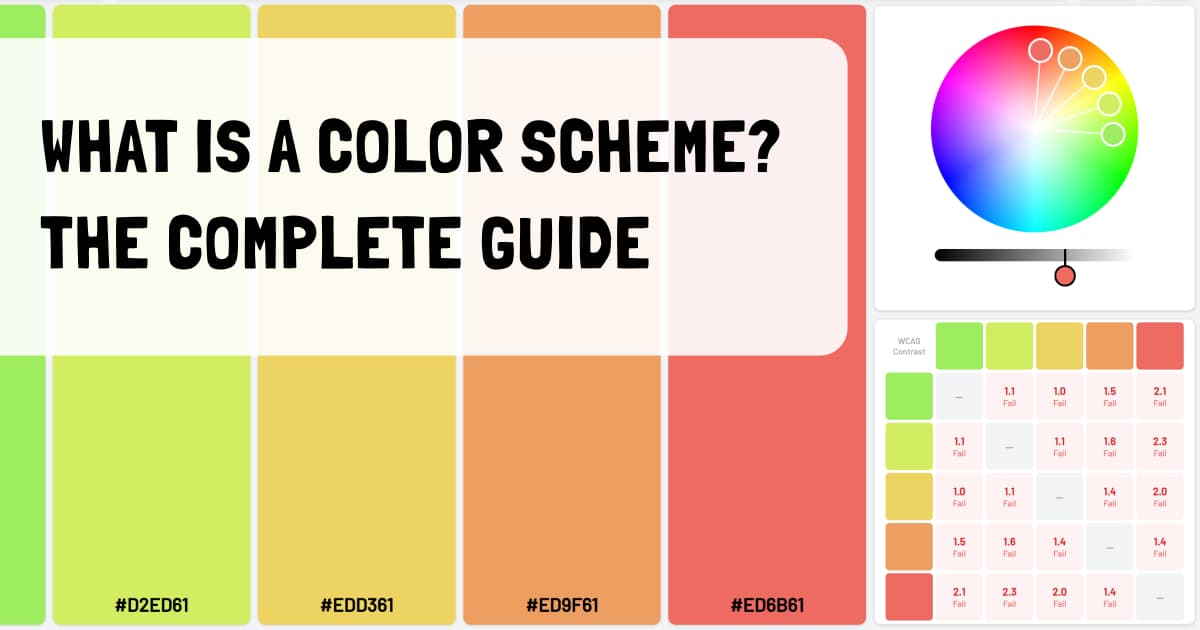
- Building a design system or shade scale. HSL is easier to adjust than RGB, while OKLCH gives more predictable perceptual lightness. See what a color scheme actually is.
- Checking accessibility. Contrast ratios are computed from luminance, not raw RGB. Use a proper tool — my post on WCAG and APCA color contrast covers the gotchas.
- Preparing files for physical print. Convert to CMYK through an ICC profile before you ship the file.
- Generating perceptually smooth gradients. Interpolating in sRGB gives muddy middles; OKLAB/OKLCH look dramatically better.
Limitations of RGB
RGB is universal, but it has real weaknesses worth knowing:
- Not perceptually uniform. A numeric step of 10 doesn't look like the same amount of change across different hues. This is why RGB is a bad space for lightness ramps.
- Bound to the display primaries. sRGB can't describe the most vivid colors that wide-gamut (P3, Rec. 2020) displays can show.
- Device-dependent. Two "sRGB" monitors will usually disagree by a few percent without calibration.
- Awkward for designers. Asking "what's this color but 20% darker?" has no direct answer in RGB — you'd have to convert to HSL or OKLCH first.
- Gamma-encoded by default. Blending or averaging raw sRGB values produces visibly wrong results; correct blending needs linear RGB.
- No built-in notion of hue. Complementary, analogous, and other harmonies can't be expressed in RGB coordinates directly.
For most day-to-day work, none of this matters — you pick a HEX, ship it, move on. But when you start building a serious design system or doing image processing, these are the reasons teams end up reaching for HSL, OKLCH, or CIELAB.
Frequently Asked Questions
What does RGB stand for?
RGB stands for Red, Green, and Blue — the three primary colors of light used in additive color mixing. Combining them at different intensities produces the full range of colors you see on a screen.
What is the RGB color model?
The RGB color model is an additive color model that describes any color as a combination of red, green, and blue light. Each channel typically ranges from 0 to 255, giving 16,777,216 possible colors in standard 24-bit RGB.
Is RGB the same as HEX?
HEX codes are just RGB values written in hexadecimal. #FF0000 is the same color as rgb(255, 0, 0). HEX is a more compact shorthand commonly used in CSS and design tools, but both represent the exact same RGB color.
What is the difference between RGB and sRGB?
RGB is the general color model; sRGB is a specific, standardized RGB color space defined in 1996. sRGB pins down exact red, green, and blue primaries plus a gamma curve. When people say "RGB" on the web, they almost always mean sRGB.
Why is RGB used for screens but not print?
Screens emit light, so they use additive mixing (RGB) — adding red, green, and blue light produces white. Printers deposit ink that absorbs light, so they use subtractive mixing (CMYK). The two models also have different gamuts, which is why screen colors often look more vivid than printed ones.
How many colors can RGB represent?
Standard 24-bit RGB (8 bits per channel) represents 256 × 256 × 256 = 16,777,216 distinct colors. With an alpha channel (RGBA) it becomes 32-bit. Wide-gamut and HDR workflows use 10 or 16 bits per channel for over a billion colors.
How do you convert RGB to HEX?
Convert each channel (R, G, B) from decimal to a two-digit hexadecimal value, then concatenate them with a leading #. For example, rgb(233, 72, 124) becomes #E9487C.
What is RGBA?
RGBA is RGB plus a fourth Alpha channel that controls transparency. An alpha of 0 is fully transparent, 1 (or 255) is fully opaque. In CSS: rgb(233 72 124 / 0.5) or the older rgba(233, 72, 124, 0.5).
Is RGB better than CMYK?
Neither is "better" — they solve different problems. RGB is better for anything displayed on a screen; CMYK is better for anything printed on paper. If your final output is digital, stay in RGB. If it's physical, convert to CMYK.
Wrapping Up
RGB is the universal language of digital color. It's how screens work, how browsers interpret CSS, how image files store pixels, and how every design tool exposes color to you. If you only ever remember one thing about RGB, let it be this: each channel 0–255, additive mixing, sRGB on the web unless stated otherwise.
Once you're comfortable with RGB, the natural next steps are:
- Color Spaces Explained → — when RGB isn't the right tool and what to reach for instead.
- What Is a Color Scheme? → — turning RGB values into actual palettes that work.
- Web Accessibility & Color Contrast → — the side of RGB that decides whether people can actually read your design.
Viral products havethree colors
Huebert generates high-contrast color schemes of background, foreground, and primary for beautiful and accessible UIs.
Generate your scheme