Web Accessibility (A11y) & Color Contrast: A WCAG + APCA Guide
April 23, 2026
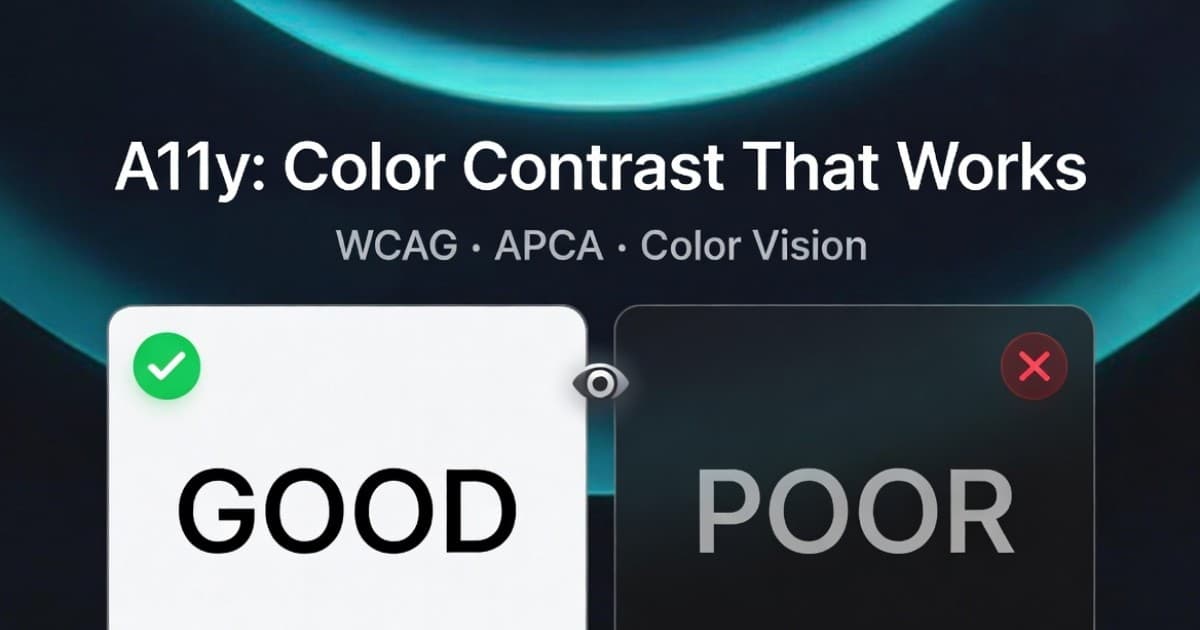
Web accessibility — often shortened to A11y (the "11" stands for the eleven letters between the A and the y) — is the practice of building products that work for everyone, including people with disabilities. A surprisingly large slice of accessibility work comes down to one thing: color and contrast.
If your interface relies on a soft gray on a slightly less soft gray, or signals errors with red on green, you're not just making aesthetic choices — you're deciding who can use your product. This guide is a practical walk-through of how color contrast really works, what WCAG says today, what APCA is changing tomorrow, and how to test all of it without leaving the browser.
I built Huebert because I kept fighting with these tradeoffs in every design system I touched. The palette generator ships with a built-in contrast table, and the high contrast generator is a dedicated tool for guaranteed-accessible 2-color themes.
Why A11y (Especially Color) Matters
About 1 in 12 men and 1 in 200 women have some form of color vision deficiency. Roughly 2.2 billion people worldwide live with some form of vision impairment. That's not an edge case — it's a baseline assumption you should design against.
Beyond disability, contrast affects everyone:
- Sunlight on a phone screen turns every interface into a low-contrast interface.
- Aging eyes lose contrast sensitivity well before they need glasses.
- Cheap or color-shifted monitors in conference rooms and airports flatten subtle palettes into mush.
- Dark-mode UIs are harder to read at low contrast than the same ratios on light mode — a fact that the current WCAG formula doesn't capture, but APCA does.
There's a legal angle too. The EU European Accessibility Act comes into force June 28, 2025, and the US ADA continues to be applied to digital products. Regulators don't usually demand pixel-perfect compliance, but they do expect the WCAG checklist to be honored — and color contrast is item #1 most teams fail.
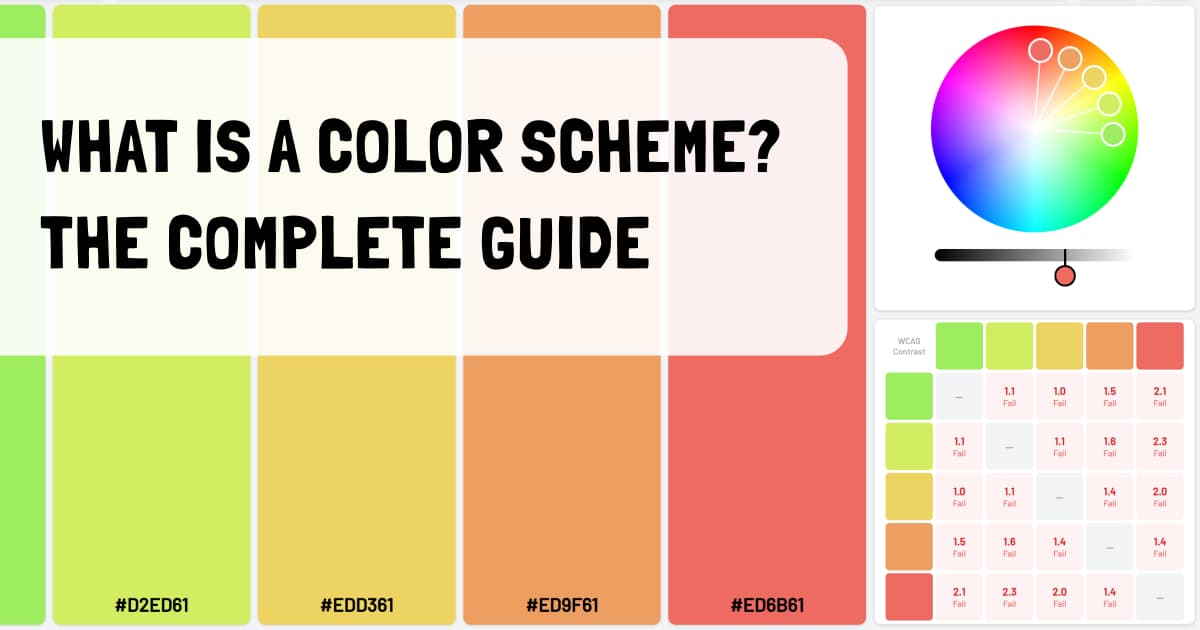
If you're new to thinking about color systematically, my post on what a color scheme actually is is a good warm-up — accessible palettes still have to be coherent palettes. If your main question is mood, my guide to warm vs. cool color temperature explains how palette temperature affects branding and UI hierarchy before you test contrast.
WCAG Contrast Basics
The Web Content Accessibility Guidelines (WCAG) are the international standard for digital accessibility. WCAG 2.1 (and the near-identical 2.2) define a single contrast formula based on relative luminance:
contrast ratio = (L_lighter + 0.05) / (L_darker + 0.05)
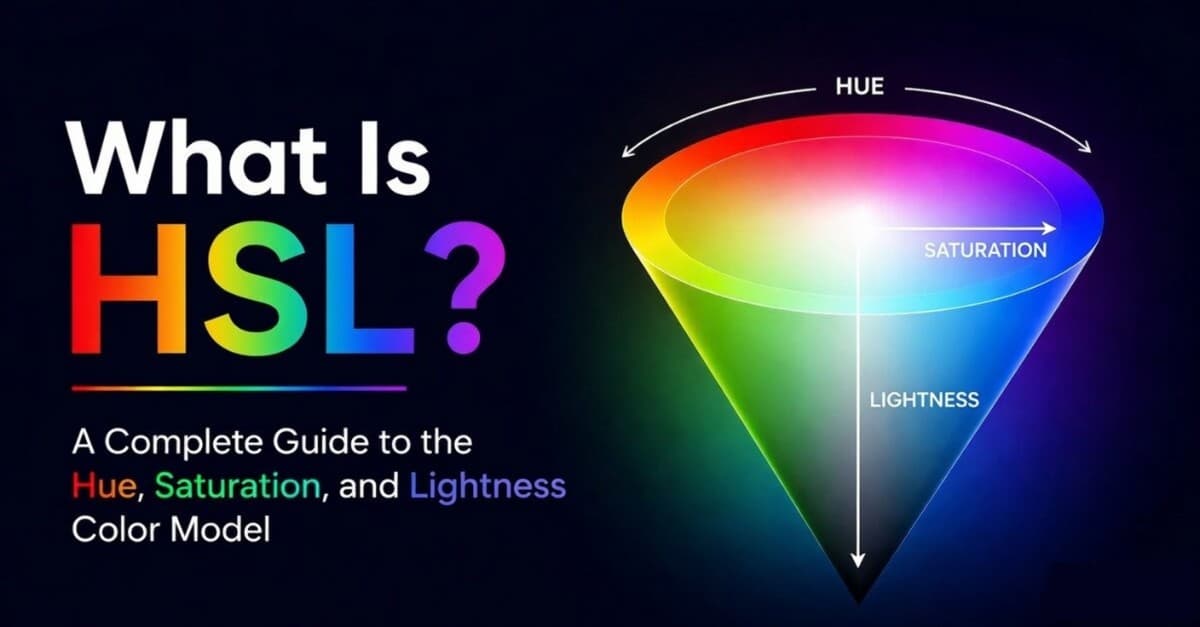
Where each color's relative luminance L is a weighted sum of its sRGB channels (red, green, and blue), corrected for gamma. That is why HSL lightness alone is not enough for accessibility; my HSL guide covers that mismatch in more detail. Ratios run from 1:1 (identical) to 21:1 (pure black on pure white). The thresholds you need to remember:
- AA, normal text: 4.5 : 1
- AA, large text (≥18pt or 14pt bold): 3 : 1
- AAA, normal text: 7 : 1
- AAA, large text: 4.5 : 1
- Non-text (icons, focus rings, form borders): 3 : 1
Most teams target AA for body copy and AA Large or AAA for headlines. AAA across the board is rarely possible without going monochrome.
What the formula gets right
WCAG 2's ratio is fast, simple, and universal. It doesn't care about hue, only luminance. That means colors as different as deep red and dark forest can land on similar luminances and (correctly) fail their pairing.
What it gets wrong
The formula was published in 2008. It treats dark mode and light mode identically, and it overcounts contrast for highly saturated pairs like blue on yellow. We'll see exactly where it breaks in the WCAG vs APCA section.
Live Contrast Checker
Pick any two colors and watch both WCAG ratio and APCA Lc value update in real time. The big preview at the top is your sanity check — if you can't read it comfortably here, you can't read it in production.
The quick brown fox
Body text reads at this size in most apps. Small caption-style text sits below.
Caption / legal copy at 12px sample.
APCA — The Modern Way
APCA (Accessible Perceptual Contrast Algorithm) is the contrast model proposed for WCAG 3 by Andrew Somers. Unlike the WCAG 2 ratio, APCA is polarity-aware (it knows that light text on dark differs from dark text on light) and perceptually weighted (it weighs blue much less than green, matching how the human eye actually responds).
APCA reports a single Lc value from roughly −108 to +106:
- Positive numbers = dark text on a lighter background.
- Negative numbers = light text on a darker background (dark mode).
- The magnitude indicates how readable the pair is.
The recommended thresholds — sometimes called the "bronze" tier of the proposed WCAG 3:
- Lc 75+ — fluent body text (long reading)
- Lc 60+ — content text (paragraphs, smaller sizes)
- Lc 45+ — larger content text
- Lc 30+ — headlines and non-essential copy
- Lc 15+ — non-text elements (UI lines, icons)
The big practical wins:
- Dark mode finally calculates correctly. APCA stops giving dark-on-dark a free pass.
- Hue-shift artifacts are gone. Vivid blue-on-yellow no longer looks "perfect" when it's actually punishing.
- Font weight is part of the model. Thin fonts demand higher Lc; bold fonts can scrape by lower.
APCA is not yet a shipping standard — WCAG 2.2 is still the legal reference — but it's already what most modern design systems (including Adobe Spectrum and the Atkinson Hyperlegible work) use internally. If you build for WCAG 2 today, treat APCA as a stricter sanity check.
WCAG vs APCA — Where They Disagree
Click between the preset color pairs to see how the two algorithms grade the same pair:
Pure white on pure black — WCAG's perfect 21:1.
WCAG and APCA agree this is maximum contrast.
The pattern is consistent: WCAG 2 is lenient on dark mode and generous to vivid hues. APCA flips both. That's why a UI that scores AAA on WCAG can still feel washed-out in dark mode, and why a Pantone-fresh blue-on-yellow alert can feel like reading through a screen door despite the perfect ratio.
The pragmatic rule of thumb: if a pair passes both, ship it. If it passes one and not the other, treat the failure as more important.
Color Vision Deficiencies (CVD)
Contrast ratios assume your reader perceives all three primary channels normally. About 8% of men and 0.5% of women don't. The three main types of CVD are:
- Protanopia — missing red cones. Reds darken and shift toward yellow.
- Deuteranopia — missing green cones. The most common form. Reds and greens collapse into a similar muddy hue.
- Tritanopia — missing blue cones. Very rare. Blues and yellows become hard to distinguish.
- Achromatopsia — full color blindness. Vision is essentially monochrome.
The classic trap: an "error red" next to a "success green" looks crystal clear to typical vision and nearly identical to a deuteranope. Never encode meaning in color alone — pair it with an icon, a label, or a position.
Use the simulator below to see the same five-swatch palette through each filter:
Green-blind. The medium-wavelength (M) cones are absent, making reds and greens hard to distinguish. The most common form of color blindness.
The simulation is approximate (true CVD perception varies between individuals and is influenced by lighting), but it's accurate enough to spot the worst pairings before you ship.
Practical Accessible-Color Checklist
The short list I run through on every project:
- Body text passes WCAG AA (4.5:1 minimum, 7:1 if you can swing it).
- APCA Lc ≥ 60 for body text — catches dark-mode and hue-shift problems WCAG misses.
- Non-text UI (focus rings, form borders, chart lines) clears 3:1 against its background.
- Color is never the only signal. Errors get an icon, links get an underline, statuses get a label.
- Test the full palette as a matrix, not as isolated pairs.
- Run the CVD simulator on any chart, status indicator, or before/after diff.
- Test both themes. A dark mode that "looks the same" in WCAG is usually worse in real perception.
- Don't trust auto-contrast browser features. They mask problems instead of fixing them.
If you only do two of these, do #1 and #4 — they cover the majority of real-world a11y bugs.
Wrapping Up
Color accessibility isn't a checklist you complete once — it's a habit you build into every component. WCAG 2 gives you a baseline, APCA gives you a more honest second opinion, and a CVD simulator catches what neither of them does. Use all three.
Viral products havethree colors
Huebert generates high-contrast color schemes of background, foreground, and primary for beautiful and accessible UIs.
Generate your scheme